
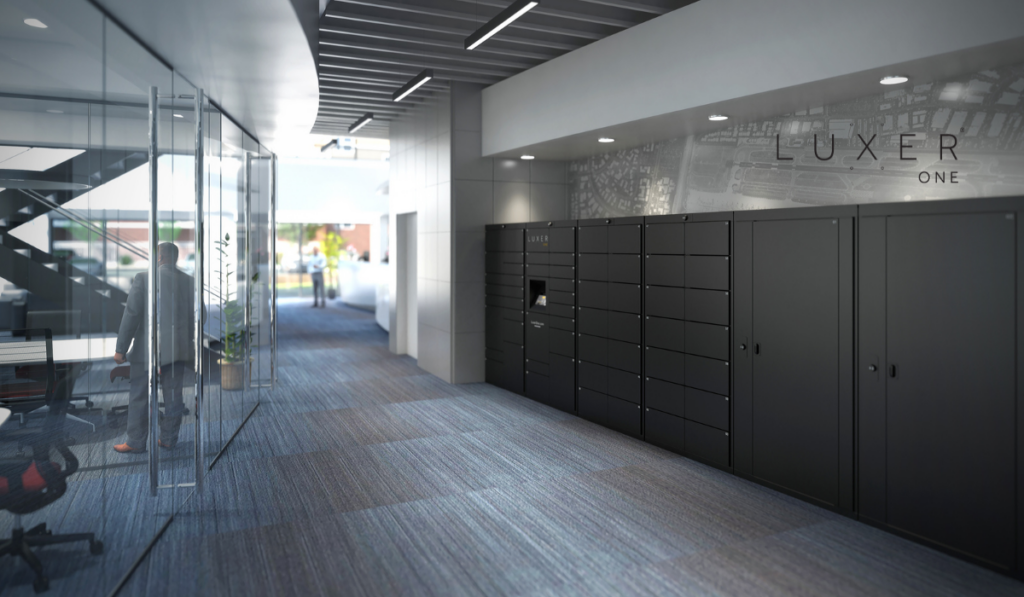


A smart mailroom is a technology-enabled mail and package management system that automates how deliveries are received, stored, and retrieved in an office building. Instead of manually logging packages or relying on staff to manage pickups, a smart mailroom uses software, smart lockers, and automated notifications to streamline the entire process.
For workplace and office managers, it’s a practical solution to reduce administrative burden, improve delivery security, and increase operational efficiency.
Why Office Mailroom Automation Is Becoming Essential
Between hybrid work schedules, increased e-commerce shipments, corporate meal deliveries, and equipment returns, workplace mailrooms now handle far more volume and variability than they did just a few years ago.
Manual systems create friction:
- Front desk teams spend hours logging packages
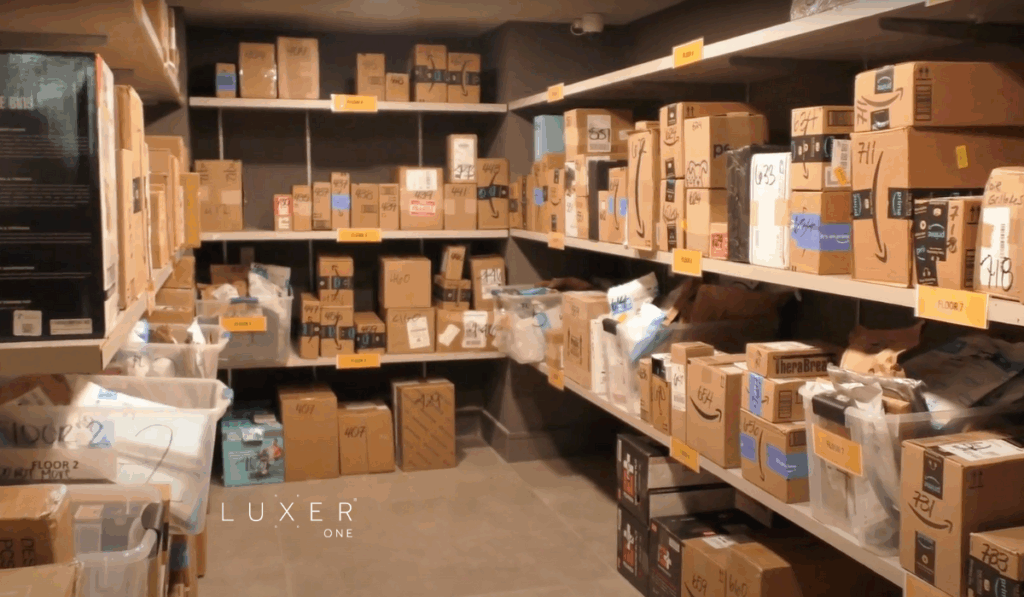
- Packages pile up in unsecured areas
- Employees interrupt staff to ask about deliveries
- Lost or misplaced items lead to frustration and liability
Modern office buildings need structured systems that scale with delivery demand.
Smart mailrooms solve these operational pain points by shifting the process from manual handling to automated workflows.
How to Set Up a Smart Mailroom in 6 Practical Steps
If you’re evaluating how to set up a smart mailroom in your building, here’s a clear operational roadmap.
1. Assess Delivery Volume and Workflow
Start with data:
- How many packages are received daily?
- Are deliveries centralized or spread across departments?
- Is staff time being consumed by logging and distributing items?
Understanding peak periods and recurring issues helps determine the right locker capacity and layout.
2. Identify the Right Location
A smart mailroom works best when it is:
- Easily accessible to employees
- Near delivery entrances
- ADA-compliant
- Secure and monitored
For multi-tenant offices, proximity to shared building access points is critical to prevent congestion at front desks.
3. Choose the Right Automation Technology
Office mailroom automation typically includes:
- Cloud-based management software
- Automated email or SMS pickup notifications
- Access control integrations
- Reporting dashboards
When a carrier delivers a package, it is placed in a locker. The system automatically notifies the employee with a secure pickup code. No manual logging, paper slips, or staff intervention.
Furthermore, Smart lockers provide real-time tracking and reporting, which helps facilities and operations leaders monitor usage trends.
4. Integrate With Building Operations
The best smart mailroom systems integrate seamlessly into workplace operations.
Look for solutions that:
- Align with your building’s access control system
- Support multi-tenant configurations
- Provide administrative dashboards
- Allow flexible locker sizes for different package types
Operational alignment ensures the system becomes part of your infrastructure, not another disconnected tool.
5. Train Staff and Communicate Clearly
Implementation should simplify operations, not complicate them.
Front desk teams, facilities managers, and property managers should understand:
- How deliveries are logged
- How to assist employees if needed
- How to access reporting tools
Clear employee communication is equally important. A short onboarding email explaining pickup instructions can dramatically reduce confusion and support tickets.
6. Monitor and Optimize
Once installed, track performance metrics such as:
- Package volume
- Average pickup time
- Locker utilization rates
- Staff time saved
Workplace leaders who focus on productivity and operational tips for the workplace often find that automating repetitive administrative tasks frees staff to focus on higher-value work.
Mailroom automation is not just about packages. It’s about operational efficiency.
What Are the Benefits of a Smart Mailroom for Offices?
For workplace and office managers, the impact is measurable:
Reduced Administrative Burden
Front desk teams are no longer responsible for manually tracking packages. Automation eliminates repetitive tasks and reduces errors.
Improved Security and Accountability
Packages are stored in secure lockers rather than open shelving. Each pickup is logged digitally, creating a clear chain of custody.
24/7 Employee Access
Employees can retrieve deliveries on their schedule, which supports hybrid work patterns and flexible office hours.
Operational Scalability
As delivery volume increases, locker systems can scale without increasing staffing levels.
A real-world example is highlighted in this Grubhub corporate mailroom transformation case study, where smart lockers dramatically improved mailroom efficiency and reduced internal friction.
Is a Smart Mailroom Worth It for Your Office?
If your team is spending hours managing packages, fielding pickup questions, or dealing with misplaced deliveries, the answer is likely yes.
Office mailroom automation shifts the process from reactive problem-solving to proactive system management. It reduces interruptions, protects staff time, and creates a structured delivery experience that scales with your building.
For modern workplaces, a smart mailroom is not a luxury amenity. It is operational infrastructure.
Ready to Automate Your Office Mailroom?
If you’re evaluating how to set up a smart mailroom in your building, the right technology partner makes all the difference.
Contact Luxer One to automate your office mailroom and transform package management into a streamlined, secure, and scalable system built for today’s workplace.
-
Christina Draper, Marketing Content Manager at Luxer One, creates storytelling-driven content that connects with property management professionals and highlights innovations in multifamily package management. With a marketing background from UNC Charlotte, she develops cross-channel campaigns that showcase how Luxer One is redefining the resident experience.
See Posts